Platforms

ERP, CRM, HMS, LMS, and custom software platforms.

Use this page to compare the CoreLense platform families by operating context, team ownership, and product fit before going into each product detail page.

Platform comparison across five software categories
Product detail pages for each category
Useful for buyers evaluating team fit and system scope
Separate from the broader Solutions page
Platform evaluation

Compare platform families before comparing features.

This page is for product fit. The question is which platform family matches the environment most cleanly.

Typical walkthrough focus

Product fit before feature depth

Product fit review

Finance, customer, institutional, custom

Core platform areas

Role-based visibility and permissions

User structure

Approvals, reporting, shared records

System scope

Platform fit or custom direction

Decision point

A useful walkthrough clarifies where the workflow sits, who needs access, and what reporting the platform should support.
That makes it easier to judge whether an existing platform family fits cleanly or a more tailored product direction is justified.
Platform families

Platform families grouped by operating context.

The platform set is easier to understand when grouped by environment and software category rather than presented as a flat catalog.

Core business systems

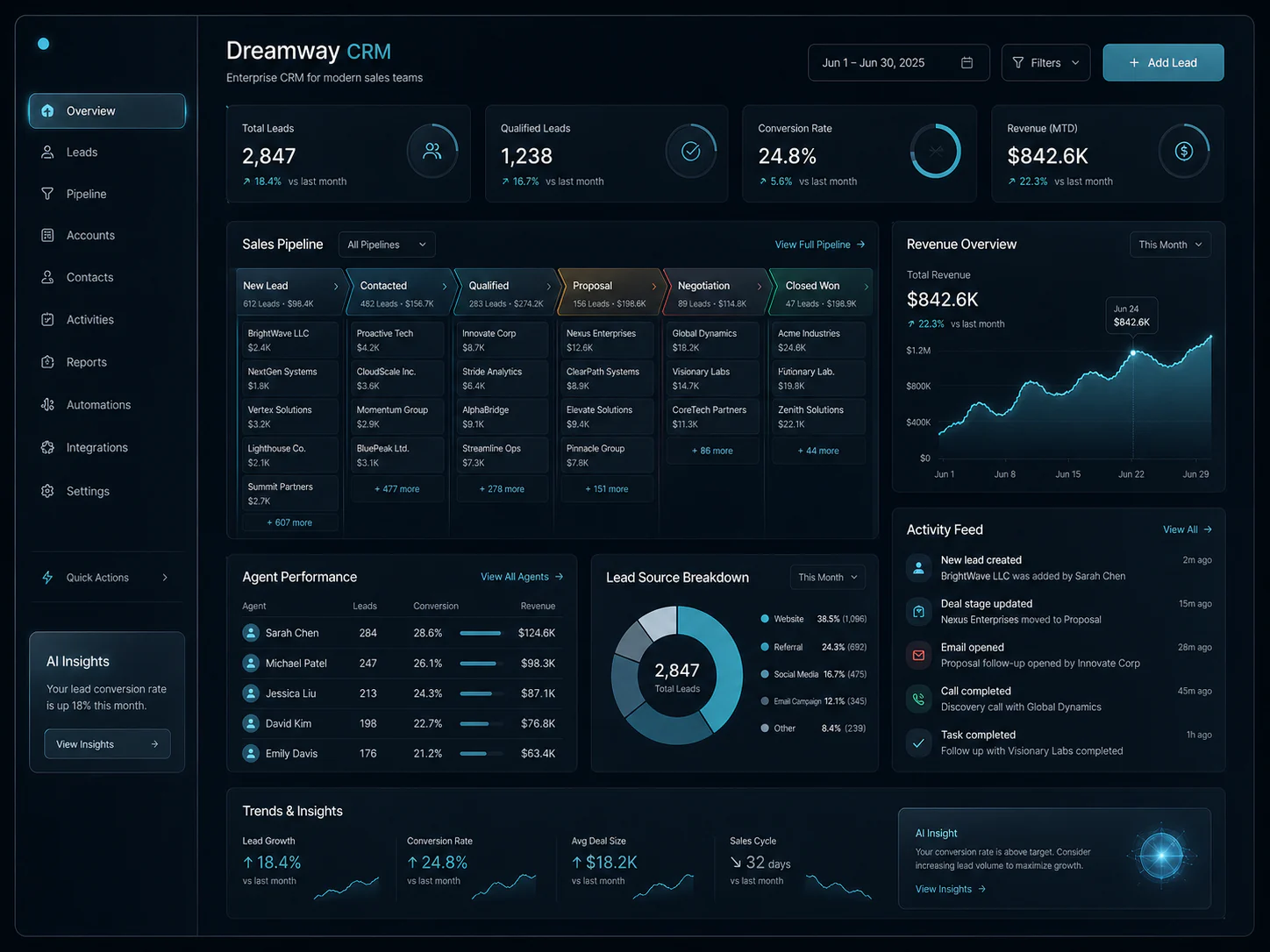
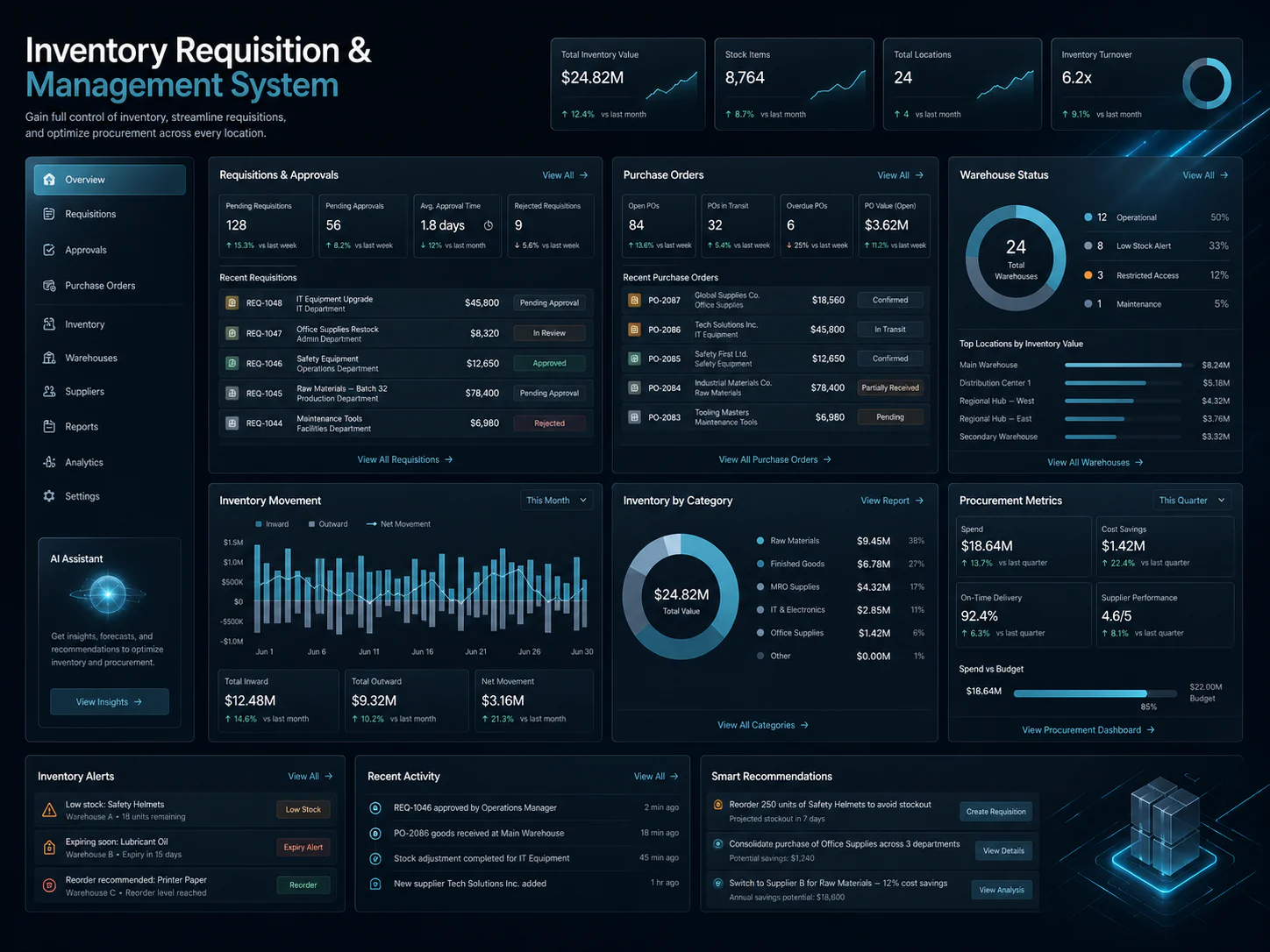
ERP and CRM for finance, customer activity, and cross-team process visibility.

These platforms fit environments where teams need shared records, role-based access, and operational reporting rather than separate tools for each part of the workflow.

Included platforms

Best fit when: Best fit when finance, customer activity, approvals, or service work need to run from a more consistent system structure.

  • Finance, procurement, and reporting
  • Customer records, follow-up, and service activity
  • Shared workflow ownership across teams
View ERP Platform

Institutional platforms

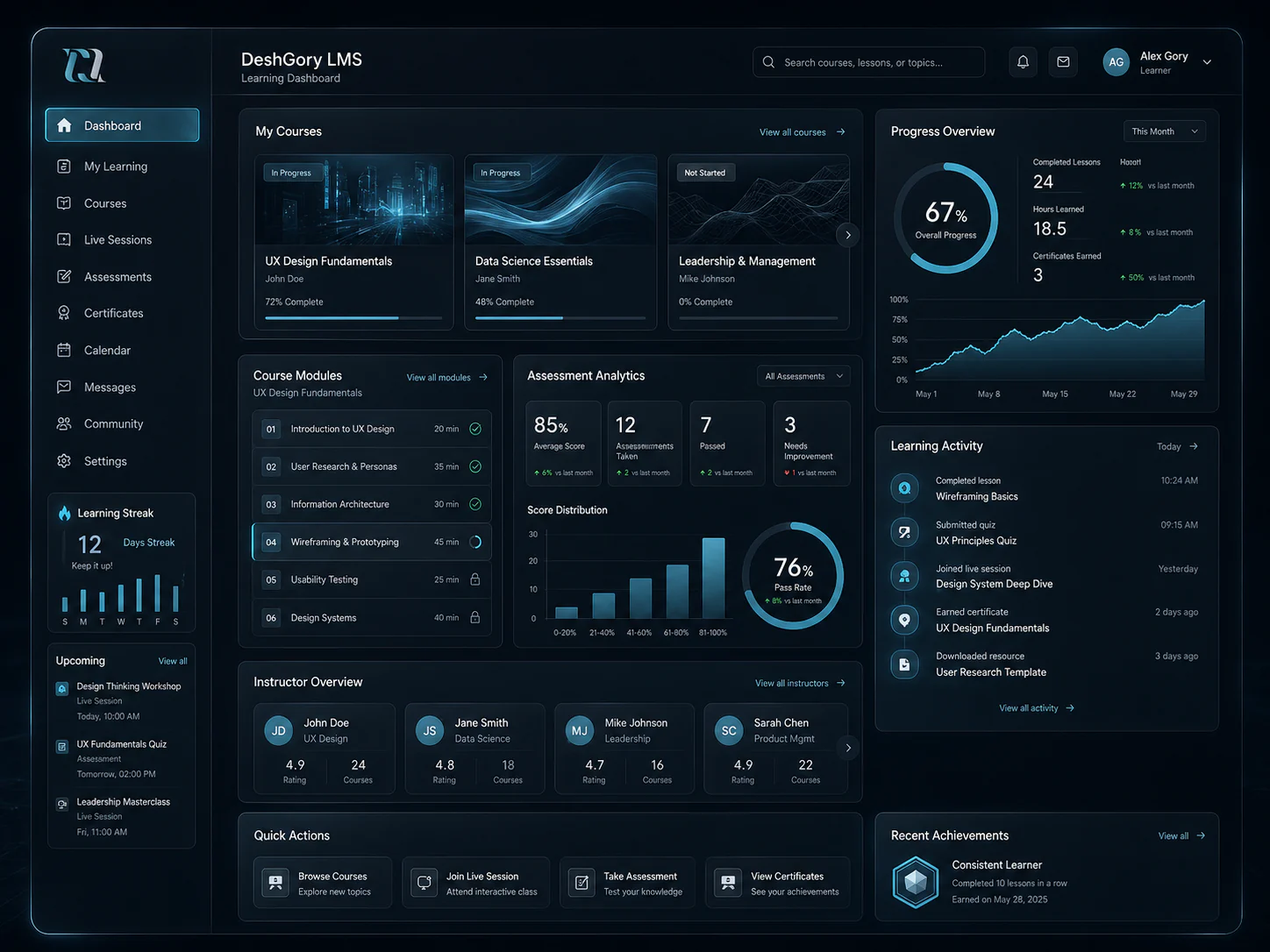
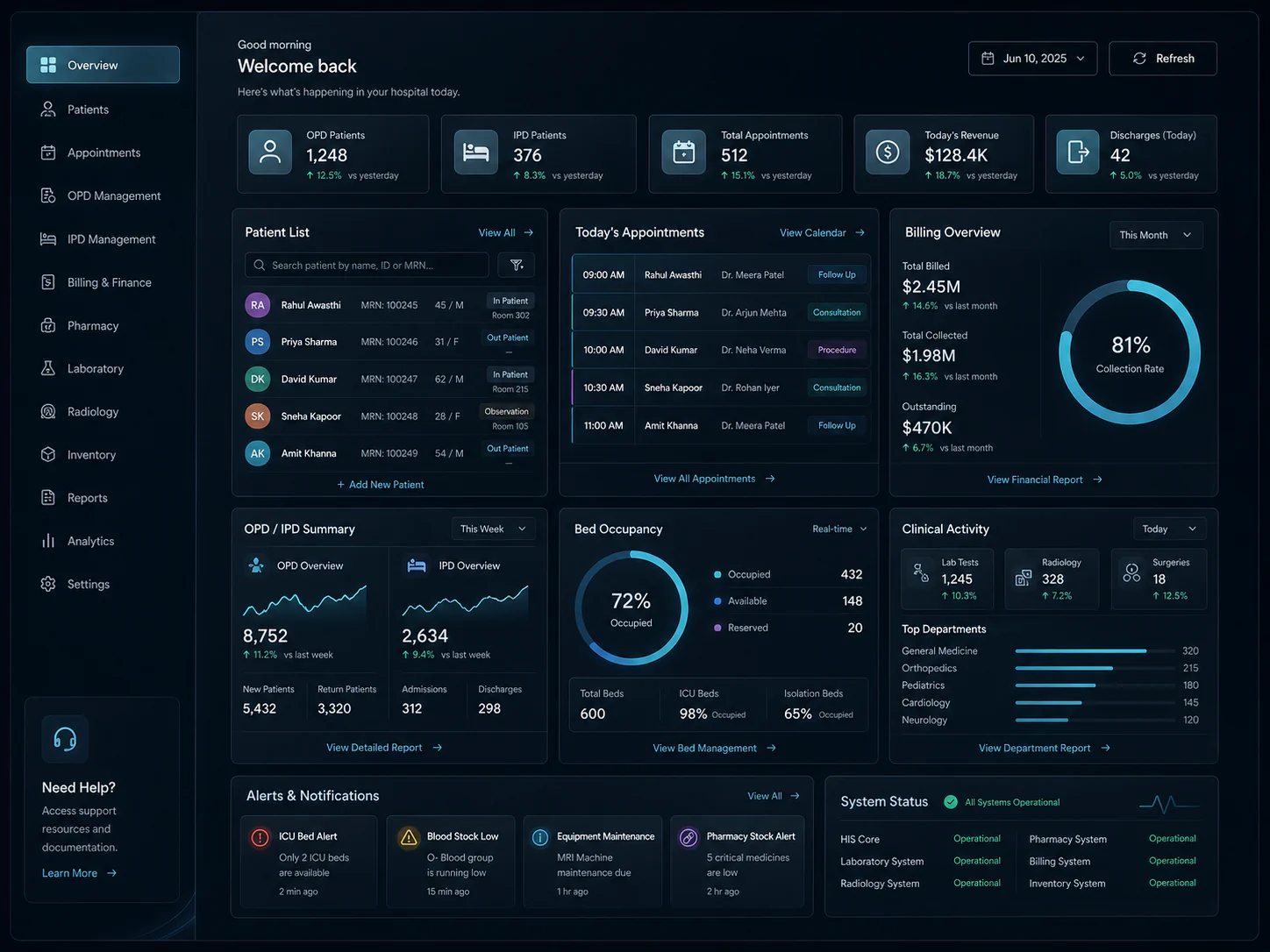
Healthcare and learning systems for records, scheduling, and administrative oversight.

These systems are relevant where day-to-day activity is process-heavy and the platform needs to support permissions, records, scheduling, and dependable reporting across users.

Best fit when: Best fit when institutions need a controlled environment for high-volume administrative or service workflows.

  • Patient or learner records
  • Scheduling, assessments, and administrative workflows
  • Permissions and reporting by role
View Healthcare Management System

Custom operational systems

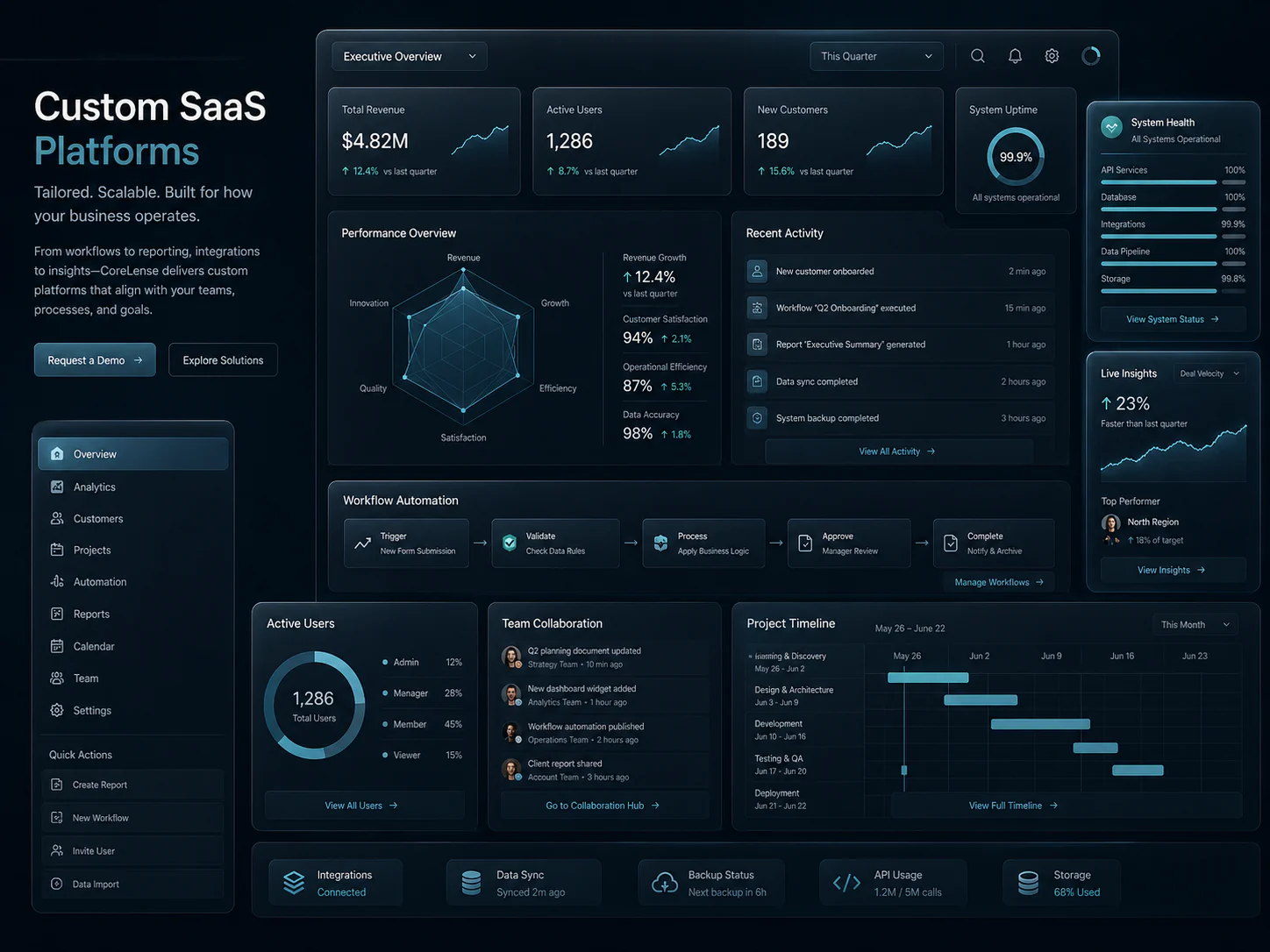
Software built around workflows that do not fit an off-the-shelf product.

Some environments need a system shaped around a specific operating model, legacy constraint, or integration pattern rather than a predefined platform boundary.

Included platforms

Best fit when: Best fit when approvals, records, integrations, or internal processes require a more tailored system direction.

  • Integration-heavy or legacy replacement workflows
  • Role-based controls aligned to internal logic
  • Reporting built around the way work actually moves
View Custom Operational Systems
Evaluation focus

What a useful platform comparison should clarify.

Start with team context, data ownership, and system scope before feature checklists.

Workflow coverage

Which teams, steps, approvals, and records need to live inside the system for day-to-day work to stay consistent.

Reporting and visibility

What each role needs to see, what should be shared across teams, and where operational reporting needs to be dependable.

Platform fit

Whether an existing platform area fits cleanly, or whether the workflow points toward a more custom system direction.

Next step

Move from platform comparison to the right product page.

Once the category is clear, the next useful step is to review the individual product page or request a focused walkthrough around the specific platform.

That usually starts with team context, operating scope, and whether the platform category fits cleanly enough without forcing unnecessary customization.

Call CoreLenseWhatsApp